How to modify the information setup of 3shape communicate portal
08 November 2023 | Updated 10.11.2025
Step-by-step instruction
If you need to modify any field that had already been configured for the 3shape communicate account such as dongle number, or account information... this can be done by following these steps:
- Login on: https://portal.3shapecommunicate.com/login and click on sign in. (preferably Chrome).
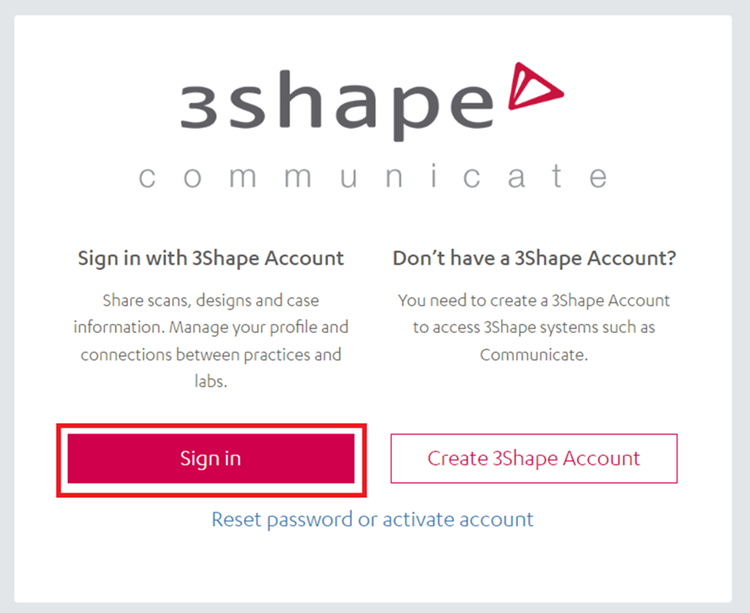
- Log in with your 3shape communicate credentials the one you use on your 3shape software.
- Click on My account/My 3shape account.

- Select personal settings or the company info and click on the part that you would like to change on edit, save changes and the information now has been saved.

After following these steps and saving the changes the new information setup will be displayed.