How to delete a patient in 3Shape Unite
09 November 2023 | Updated 23.2.2026
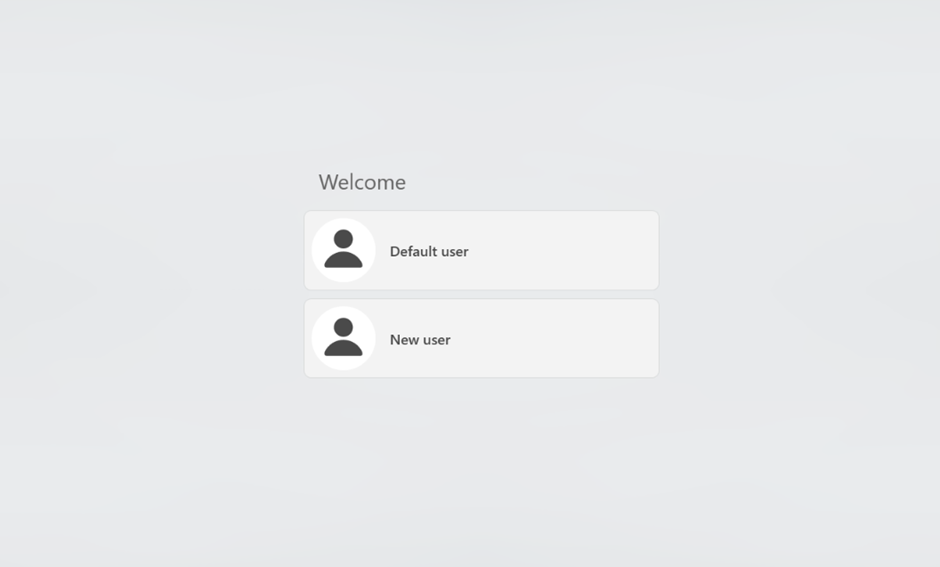
Open 3Shape Unite.
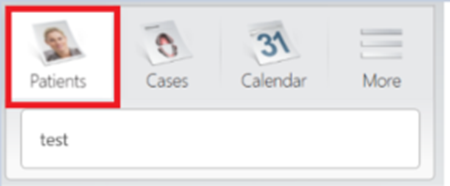
Click on the "Patients" icon.
Click on the search tab.
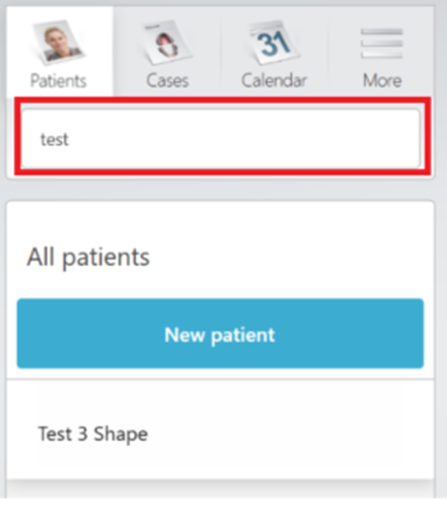
Filter by patient name.
Right click on the patient we want to delete and then click on "Delete".
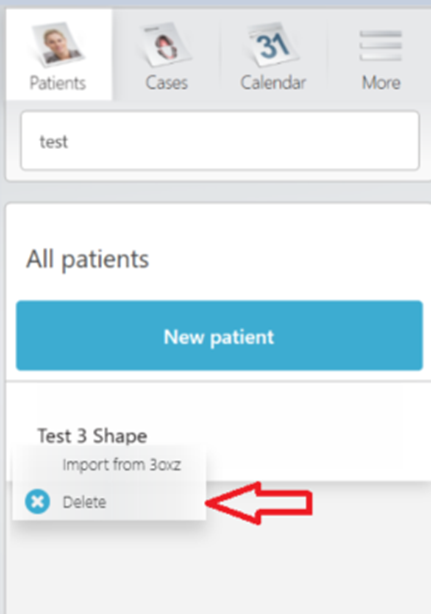
After selecting "Delete" the patient and all cases within that patient will be deleted and it will not be possible to restore that information.