How to modify account information on the 3Shape communicate portal
08 November 2023 | Updated 14.9.2026
To modify any field that has already been configured for the 3shape communicate account follow these steps:
Step 1: Log in to https://portal.3shapecommunicate.com/login and click Sign in (preferably in Chrome).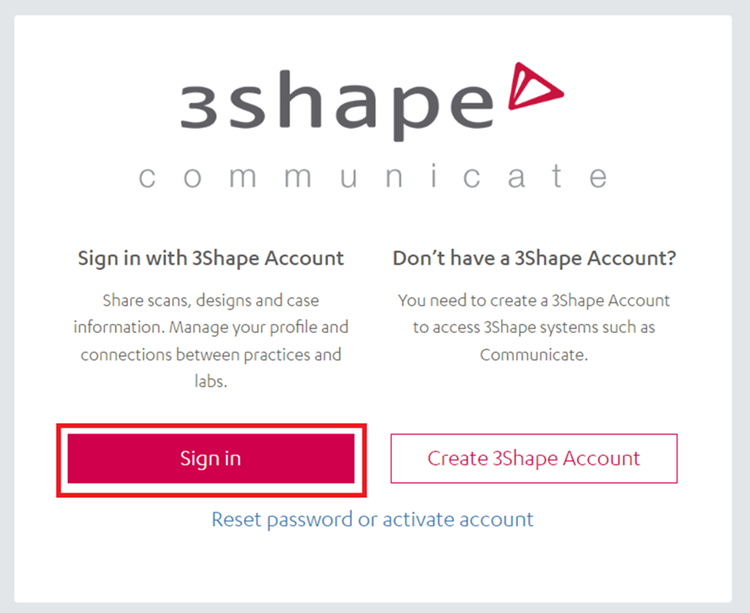
Step 2: Log in with your 3Shape Communicate credentials, the ones you use on your 3Shape software.
Step 3: Click on My account/My 3shape account.

Step 4: Select personal settings or the company info and click "Edit" on the field that you would like to change, save the changes and the information now has been updated.

After following these steps and saving the changes, the new information setup will be displayed.
Was this article helpful?