During the design in Dental Designer - part of the model and design disappear.
08 November 2023 | Updated 27.7.2024
Scan and designed teeth disappear at the Anatomy Design
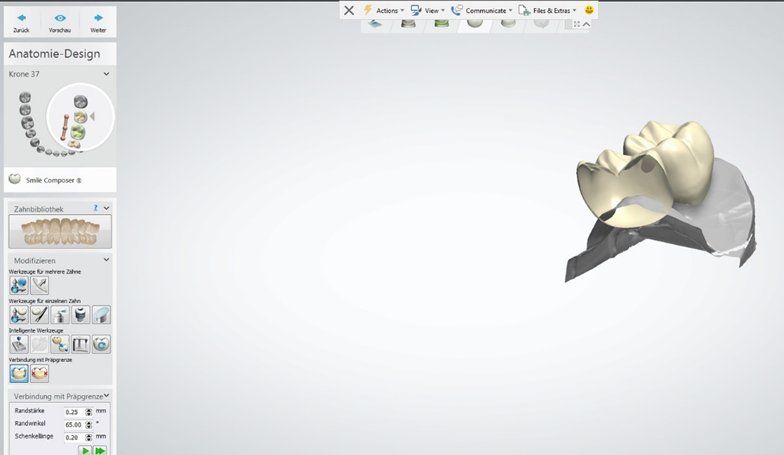
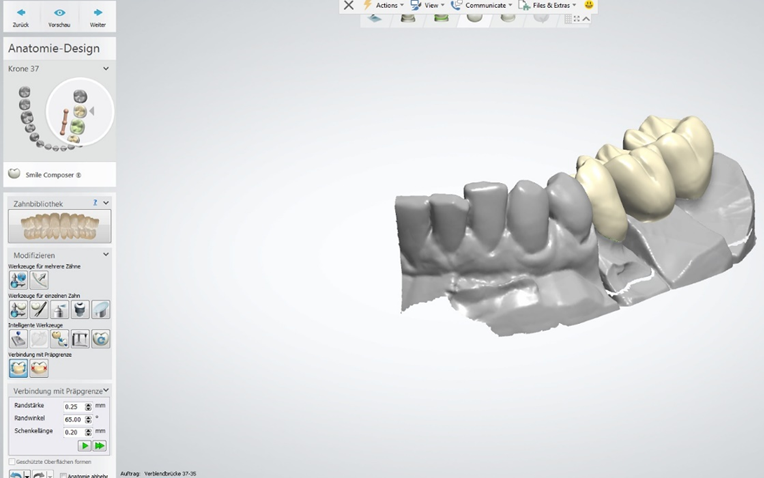
At the Anatomy Design step the part of scan and designed teeth disappear.
Solution
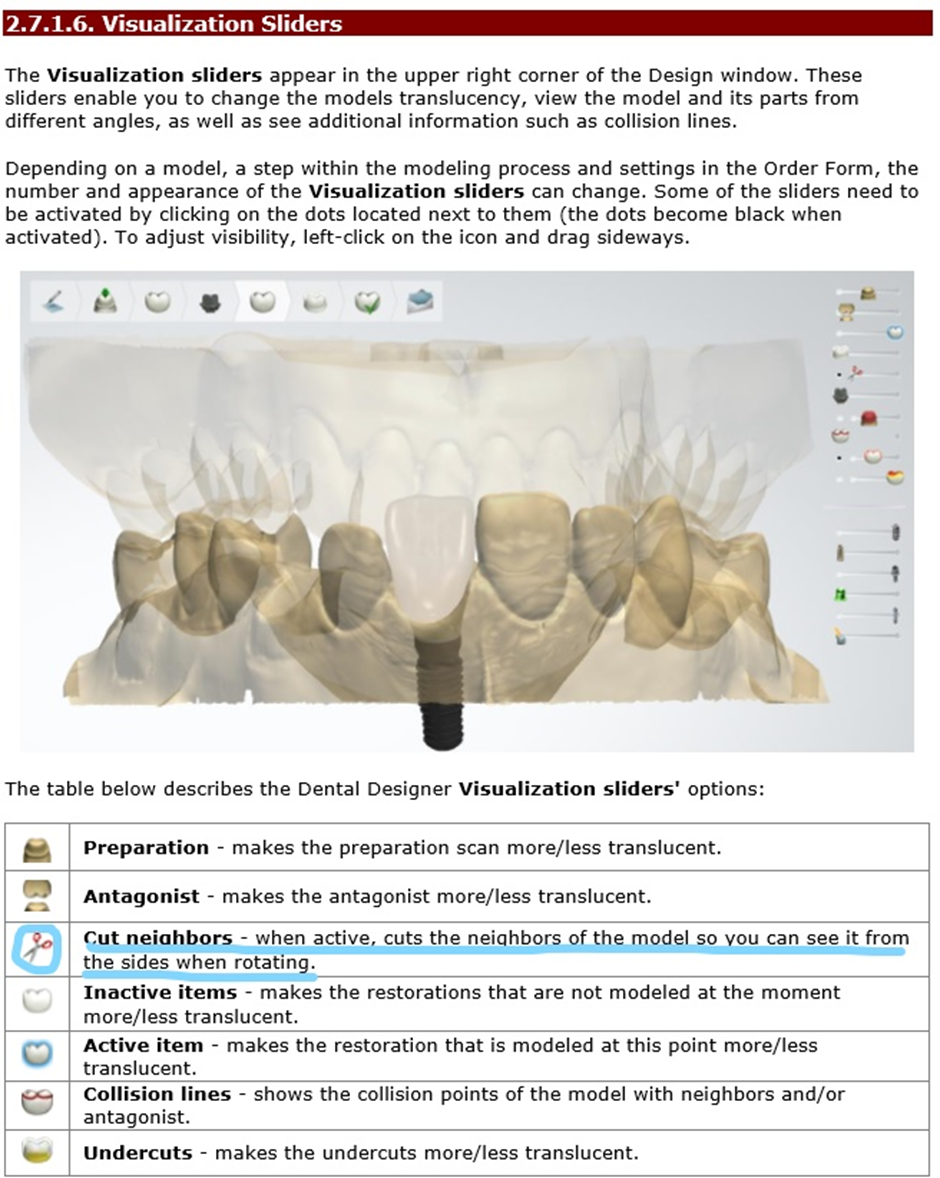
Go to Anatomy Design step and disable the scissors from the Visualization Slider - When it is active, it cut the neighbors of the model, so you can see it from the sides when rotating:
More information can be found in the manual-Visualization sliders:
Was this article helpful?