Resolving "Access to the Path ...\ScanItDental\DSAppCustomization.xml.bak Is Denied" When Opening Dental Manager or Starting a Scan
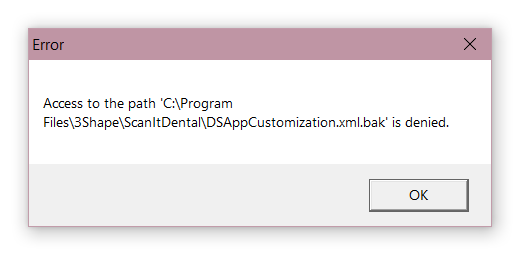
The following error may appear when opening Dental Manager or when starting a scan in ScanIt Dental:
"Access to the path ...\ScanItDental\DSAppCustomization.xml.bak is denied"
Cause
This issue may occur when the ScanItDental installation folder does not grant Full Control permissions to the Everyone user group.
Affected Versions
Potentially all Dental System versions starting from Dental System 2016
Resolution
Step 1: Navigate to the following folder: C:\Program Files\3Shape\ScanItDental
Step 2: Right-click the "ScanItDental" folder and select "Properties".
Step 3: Open the "Security" tab.
Step 4: Verify that the "Everyone" user group has "Full Control" permissions.
If the "Everyone" user group is not listed, click "Add" and add it.
Step 5: Grant "Full Control" permissions to the "Everyone" user group.

Step 6: Apply the changes.
Step 7: Restart Dental Manager and try scanning again.
For detailed instructions on configuring folder permissions and sharing for Dental System, see the article “What folders are shared during Dental System Server installation".
Contact 3Shape Support if you have any further questions.
For full information on correct usage consult the official Safety and Setup Guide and the most current Manual.