Unable to load XML document (XML document must have a top element) In Dental Manager when trying to design an order
08 November 2023 | Updated 27.7.2024
Issues with the design step of a scanned order
The following error message may show up when trying to proceed the design step of a scanned order in Dental Manager:
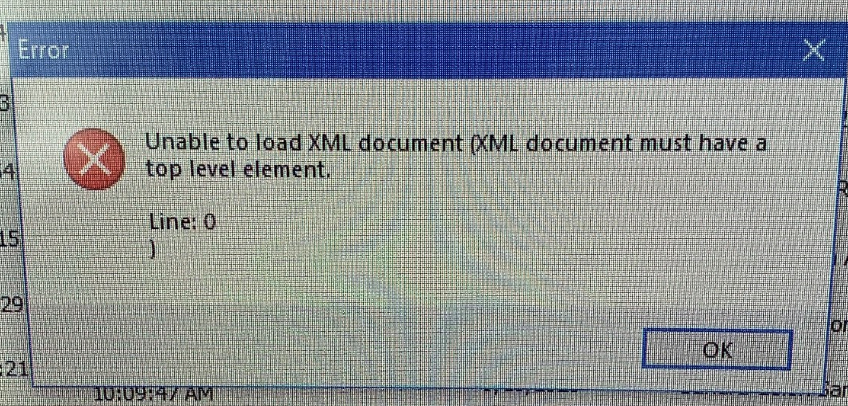
Root cause: Corrupted scans, corrupted XML files in the order.
Affected Dental System versions: Potentially all Dental System versions.
Possible solutions:
- Ask the customer to create the order from zero importing the scans again.
- Ask the customer to scan again and create a new order with these new scans.
Was this article helpful?