Troubleshooting "No Subscription" Error
08 November 2023 | Updated 27.7.2024
When opening Dental Manager or Dental System Control Panel there is an error: "No subscription for this application the dongle is either missing or there are no more application subscription available in the dongle. Please set the 3Shape Dongle Service under System Settings. [Socket Error #11001 Host not found]":
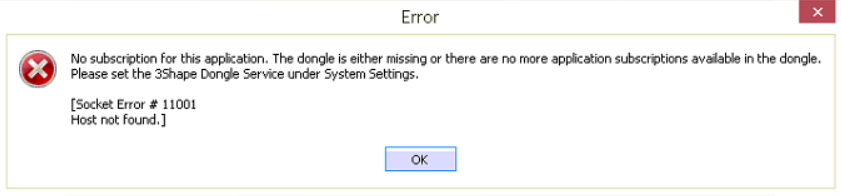
You can also see the variation of the message with [Socket error #10060 Connection timed out]
Affected DS versions: any version.
Root cause: there is no connection to the Dongle Server Service using current settings.
Troubleshooting:
- Run Dental System Control Panel as administrator;
- Go to Subscription Management (Dongle) > Dongle Server Service. (in versions below 2016 Dongle Server Service can be found in System Settings);
- Make sure the correct PC name or IP address is provided for the PC that has the dongle attached (when it is correct, Test connection will be successful):
If this doesn't help (if Test connection fails), contact 3Shape support via email [email protected].